
Why DKIM & SPF Email Authentication Are Essential for Enterprise Security in 2026
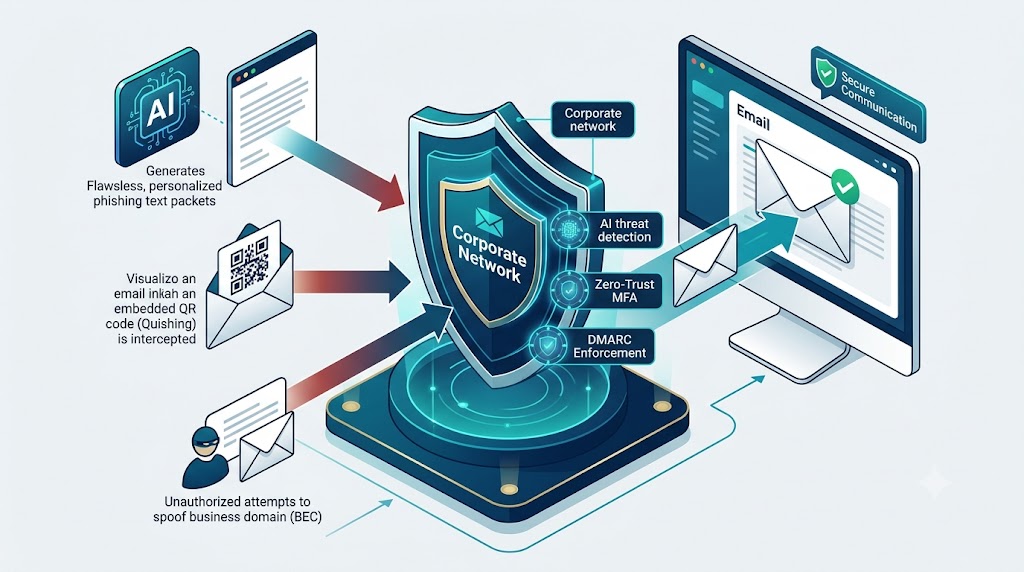
In modern enterprise cybersecurity, protecting corporate communication channels is critical. Cyberattacks such as email spoofing, spear-phishing, and domain impersonation directly threaten business reputation and operational continuity.
To safeguard corporate domains and guarantee email inbox delivery, organizations must deploy robust authentication protocols—chief among them being DomainKeys Identified Mail (DKIM).
What Is DomainKeys Identified Mail (DKIM)?
DomainKeys Identified Mail (DKIM) is an open-standard email authentication protocol that validates the origin and integrity of outgoing email messages. Unlike basic email headers, DKIM attaches a digital cryptographic signature to every outbound email.
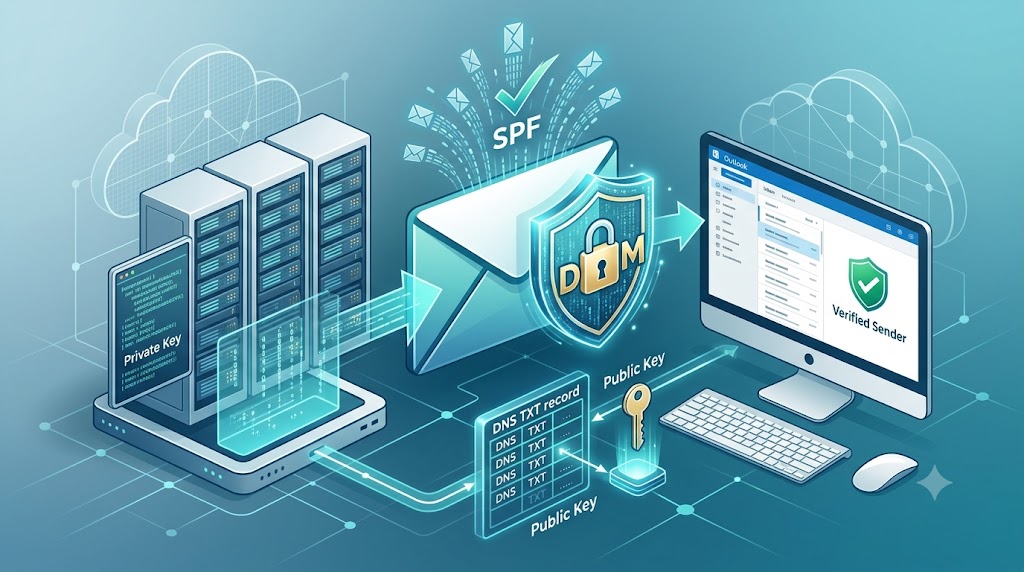
When an email is dispatched, the sending mail server attaches a private key signature to the message header. The receiving mail server retrieves the sender’s public key published in the domain’s DNS TXT records to verify two critical factors:
- Domain Verification: Confirms the email genuinely originated from the claimed domain.
- Message Integrity: Guarantees the email content was not altered or tampered with in transit.
Key Benefits of DKIM for Your Business
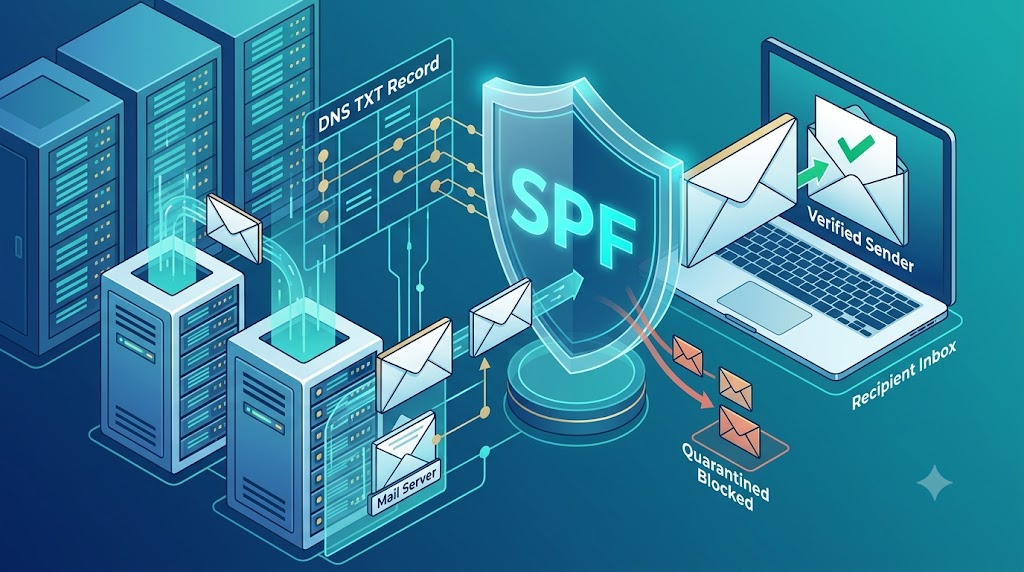
Implementing DKIM alongside Sender Policy Framework (SPF) and DMARC provides distinct operational advantages:
- Eliminates Email Spoofing: Prevents cybercriminals from sending fraudulent emails using your exact domain name.
- Boosts Email Deliverability: Major email providers (Google Workspace, Microsoft 365, Yahoo) strictly penalize unauthenticated domains. DKIM improves domain reputation and keeps critical messages out of spam folders.
- Survives Mail Forwarding: Unlike SPF, which can fail when an email is automatically forwarded across servers, DKIM signatures remain intact throughout the routing process.
- DMARC Compliance: Acts as a fundamental requirement for achieving strict DMARC alignment and zero-trust email defense.
How DKIM Works (Step-by-Step)
[ Sender Server ] ---> (Adds DKIM Signature Header)
                           │
                           ▼
                      [ Internet ]
                           │
                           ▼
[ Recipient Server ] <--- (Fetches Public Key via DNS) ---> [ DNS TXT Record ]
- Key Generation: A public-private key pair is generated for your sending server.
- DNS Publication: The public key is stored in your domain’s DNS TXT record.
- Signing Outbound Mail: The outgoing mail server encrypts email headers with the private key.
- Verification at Destination: The recipient’s mail server queries DNS, fetches the public key, and verifies the encrypted signature.
How Xaas Techs Secures Your Corporate Email Infrastructure
Setting up email authentication requires precise DNS configuration and server alignment. Incorrect TXT records can accidentally cause legitimate outgoing emails to bounce or land in spam folders.
At Xaas Techs, our certified cloud and email specialists provide complete email security management, including:
- Full Microsoft 365 & Google Workspace DKIM/SPF setup.
- Custom DMARC enforcement policies (Reject/Quarantine).
- Proactive DNS record auditing and deliverability troubleshooting.
- Managed 24/7 email security monitoring for enterprise teams in Delhi NCR, Gurugram, and Noida.
Ready to Secure Your Domain & Improve Email Deliverability?
Don’t let cybercriminals misuse your corporate identity. Contact Xaas Techs Today for a complimentary Email Security & Infrastructure Audit!